
Instructional Design Tools
Digital tools enable the creation of accessible, data-informed learning experiences. Figma, Adobe Creative Suite, and Camtasia support collaboration, visual communication, and multimedia design aligned with Universal Design for Learning (UDL) and usability principles.
Figma (https://www.figma.com/)
Figma enables teams to visualize workflows, co-create components, and iterate quickly using WCAG AA–compliant styles for accessibility and consistency.
Example: Horizontal Enrollment Stepper (keyboard accessible) reduced rework by approximately 40%.
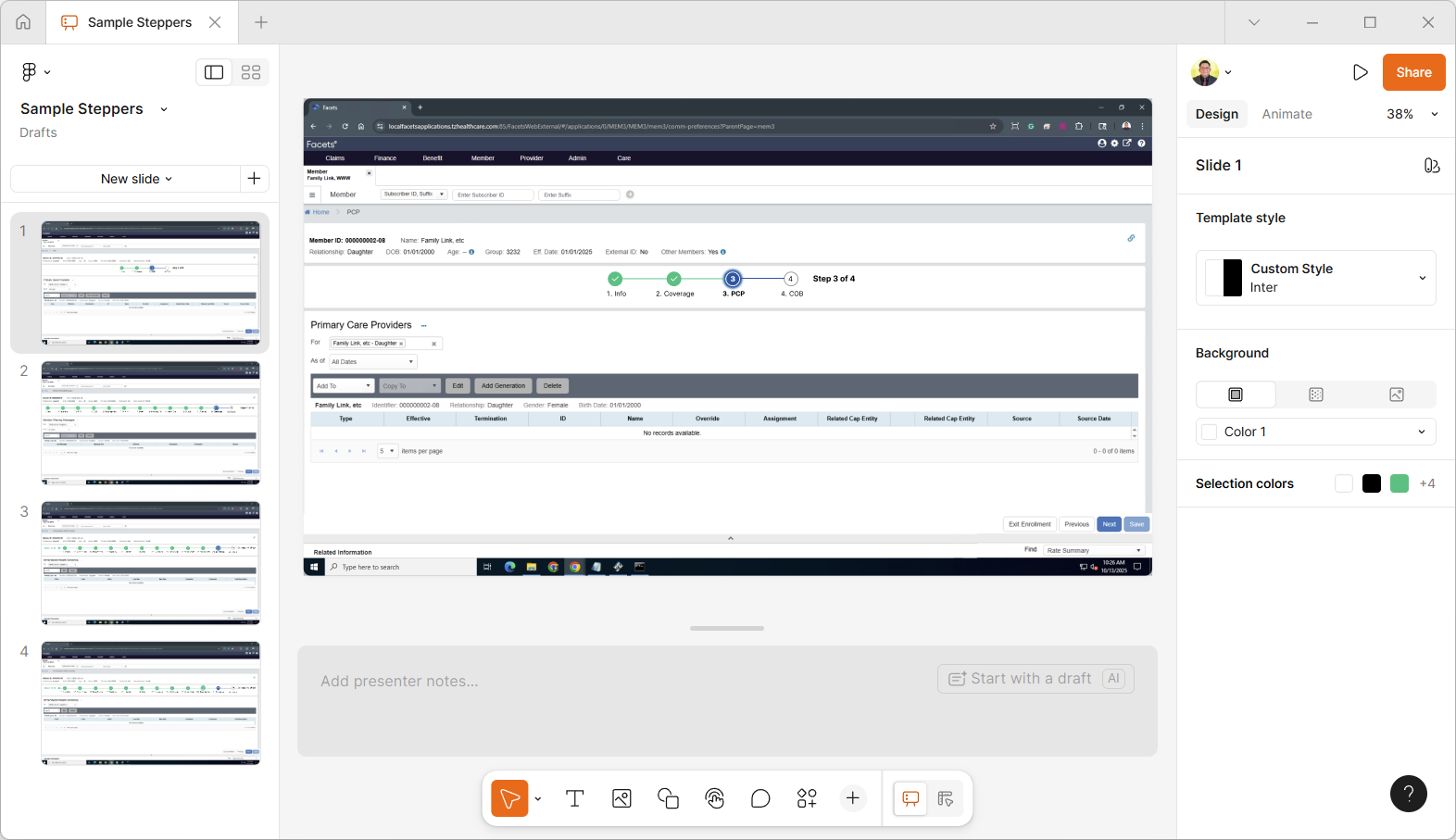
Reflection: Collaborative work in Figma mirrors formative evaluation, promoting shared ownership and aligning design iterations with measurable learning and usability outcomes.
Adobe Creative Suite (https://www.adobe.com/products/)
Photoshop refines instructional graphics, Adobe Stock provides diverse visuals, and Express adapts designs into accessible, platform-ready assets.
Example: Mind Map for an Instructional Design Model assets (layouts + curated imagery + captions).
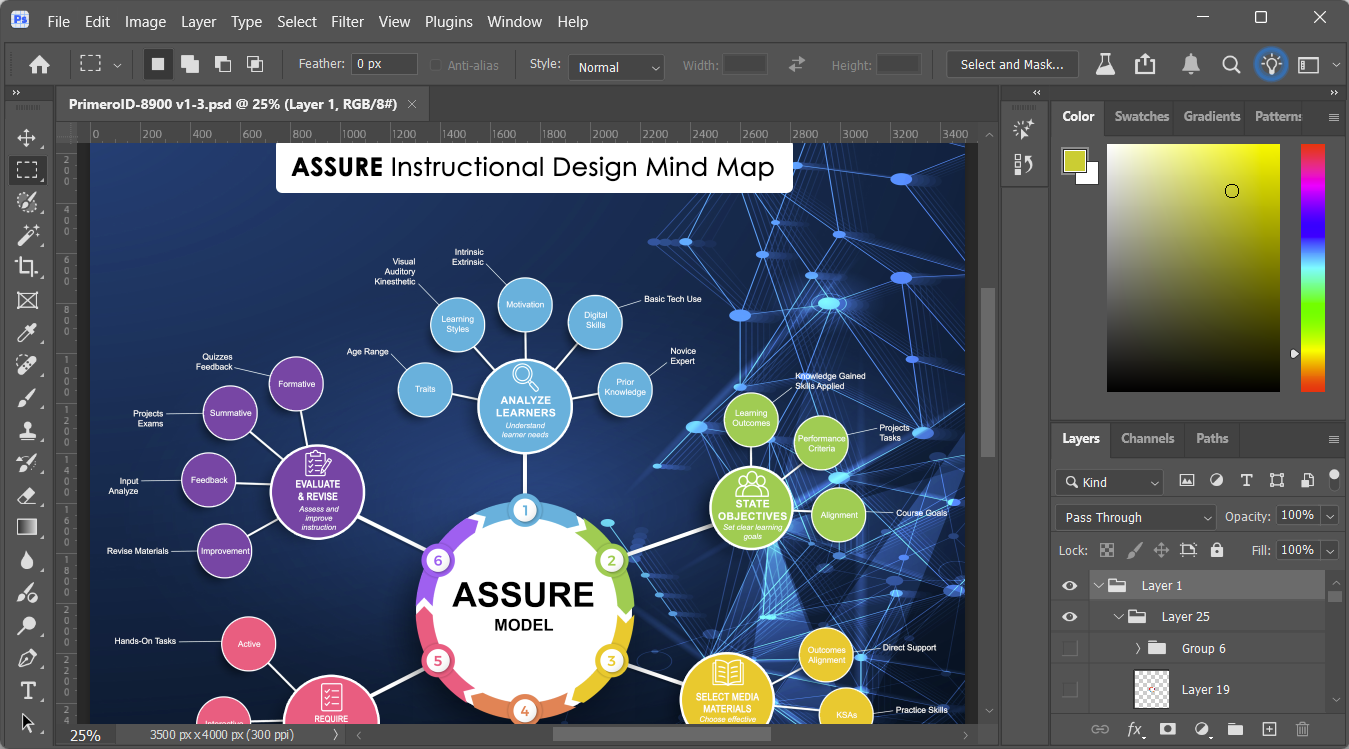
Reflection: This workflow ensures visual consistency, accessibility, and efficiency—demonstrating how creative tools can enhance clarity, inclusivity, and impact in instructional design.
Techsmith Camtasia (https://www.techsmith.com
Camtasia creates concise, captioned tutorials that support diverse learning modalities and align with Universal Design for Learning (UDL) principles.
Example: An Infomercial on Assessment compared key evaluation methods and highlighted how effective evaluation drives improvement and measures impact.
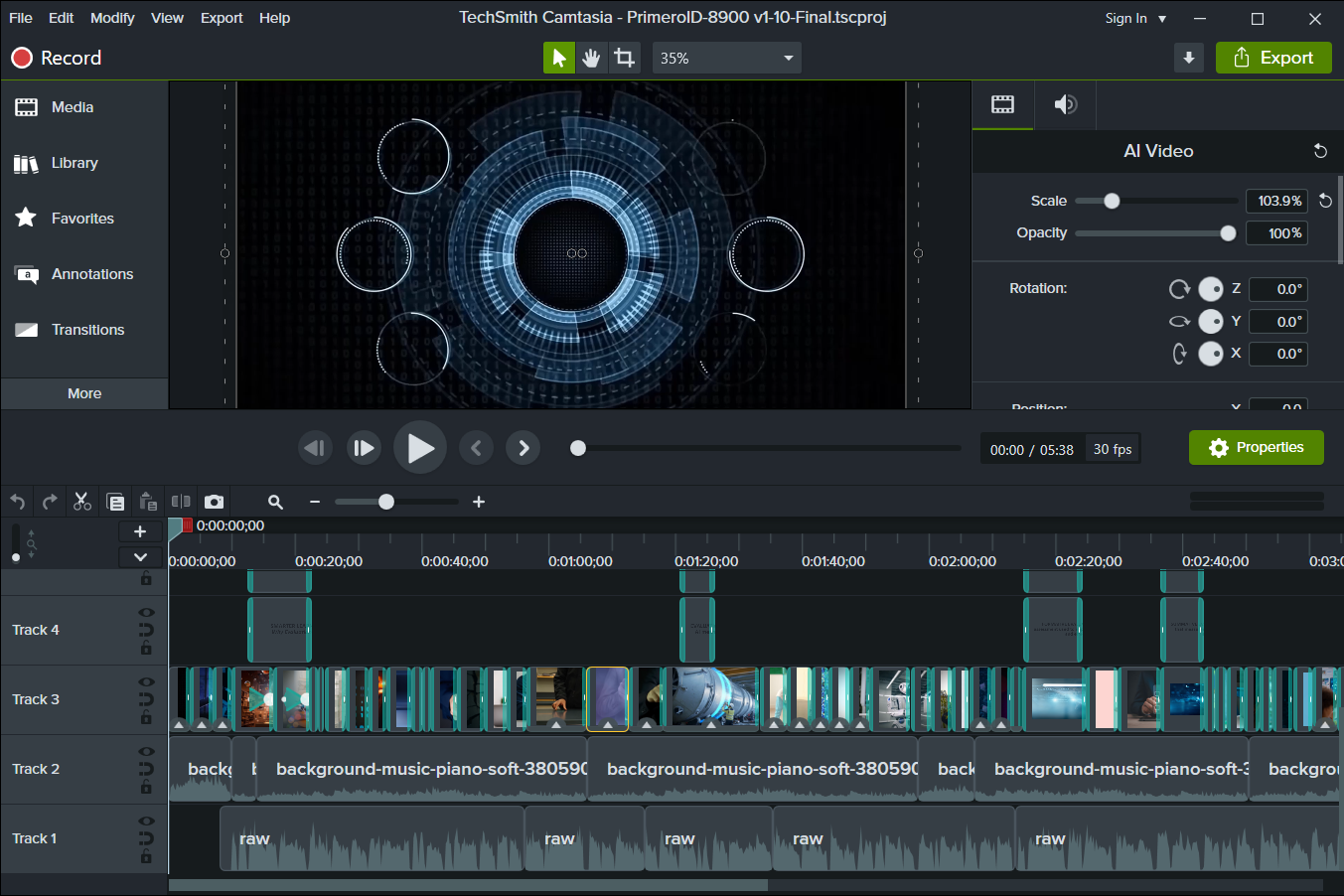
Reflection: Producing an instructional design infomercial showcased evaluation methods, their value, and how assessment drives improvement and measures impact.